
Doc has a new look
New, even more spicier, look.
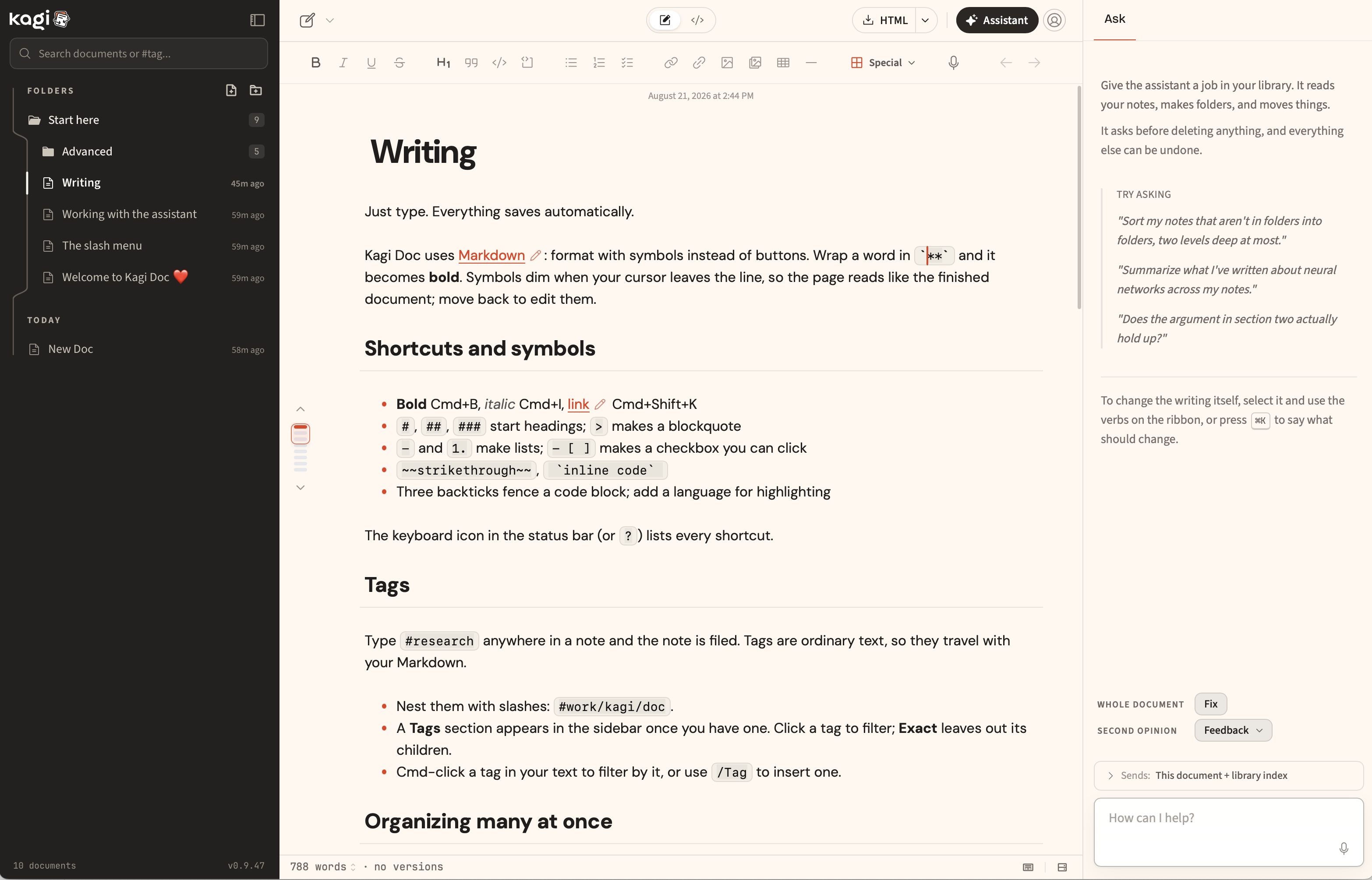
New
- A new look. Doc now also suports a dark ink sidebar against a light page. Check it out with Dark sidebar in Settings > Appearance. Try also different accent colors.
- Emoji autocomplete. Type
:smiand pick from a menu. The character itself is inserted, so it survives copy, export, and any other editor. - Link to a section, not just a document.
[[Setup#Install steps]]jumps straight to that heading, and![[Setup#Install steps]]embeds only that section instead of the whole document. Type#after a document name and Doc lists that document's headings for you.gdfgdfg - Document health. A new Health tab in the document info pane finds broken links, references to sections that no longer exist, unresolvable embeds, repeated headings, and unresolved comments. Click a finding to go to it.
Improved
- Editing links. A pen appears on rendered links: change the text and the URL in a small popover instead of hunting for the raw Markdown.
- Tables start at the size you want.
/tableopens a size picker, so a 2x5 table takes one insert rather than a trip to the column menu. - Lists move as a unit.
Alt+UpandAlt+Downcarry an item's nested children with it, in one undo step, instead of stranding them behind. - Sections stay folded. Collapsed sections now survive a reload and a switch to another document and back.
- Footnotes go somewhere. Clicking a footnote marker scrolls to the note
and leaves your cursor where it was;
Mod+Alt+Ftakes the cursor there and back.
Other improvements and fixes
- Reorganized the slash menu into Headings, Basic, Lists, Advanced, Diagrams, Apps, and Media, and added a horizontal rule.
- Added optional auto pairing for brackets, quotes, and Markdown syntax.
Mod+Enteron a search result opens that document in a new tab.- The shortcuts sheet now leads with the shortcuts worth memorizing, with the rest behind "Show all".
- A quiet stamp at the top of the document shows when it was last edited.
- Raised contrast on sidebar labels, multi-select checkboxes, folder actions, and the library search field.