Your friends and family can finally try Kagi
Search for everyone
As many of you know, we don't run ads anywhere. Instead, we are active on social media and online communities to stay close to you, build a great product, and rely on word of mouth.
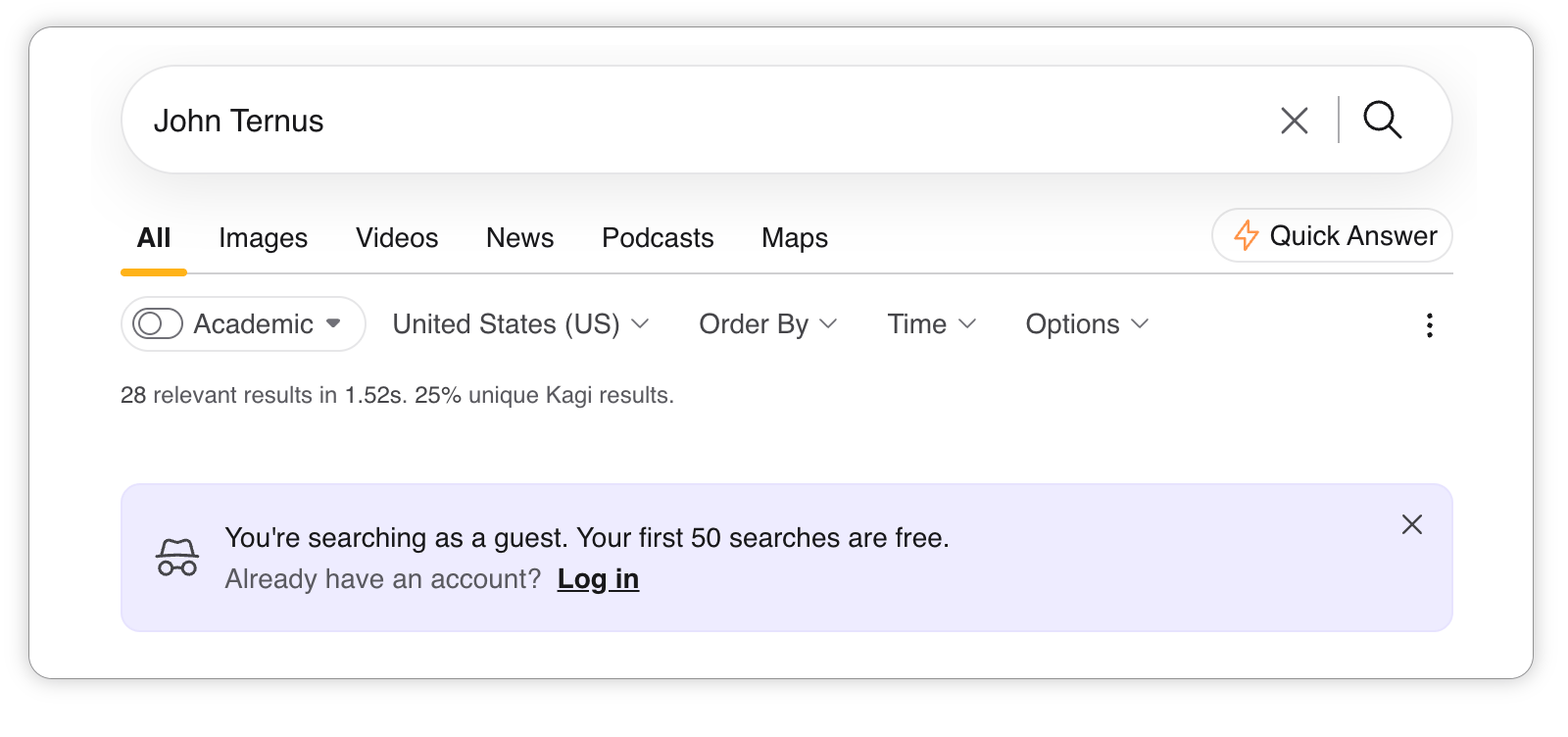
We've heard that it can be hard to recommend a search engine when your friends can't try it without creating an account. That's changed: anyone, anywhere, can now visit kagi.com and search the web. No account required for the first 50 searches (100 more upon registration).
We are counting on you to spread the word to your friends and family <3
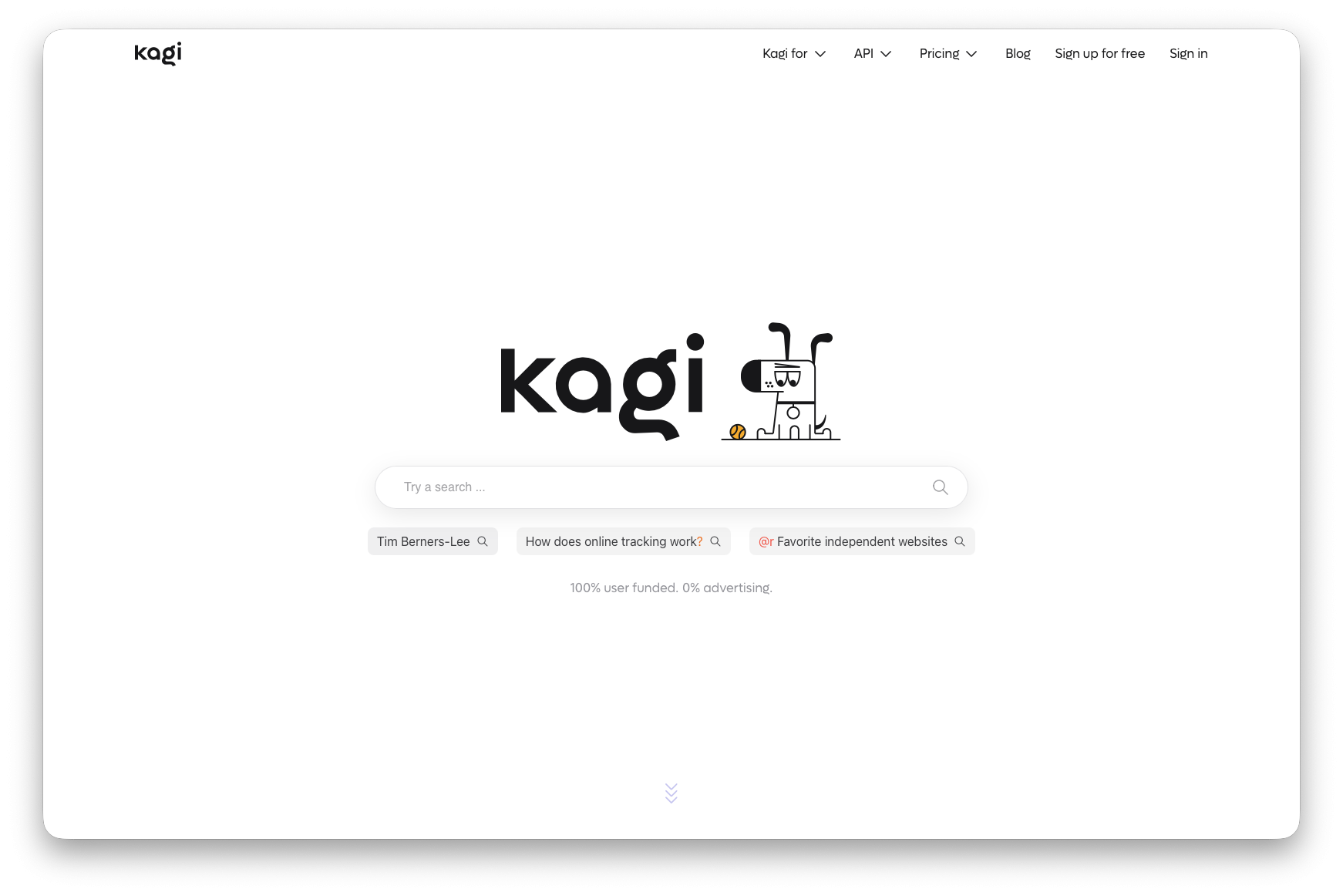 Our new landing page for new users
Our take on the latest Search industry news
Google announced that, starting in early 2027, AI tools will be turned off by default for school accounts. It sounds like a win for schools until you read that Google Search will be switched off along with them.
Our take: Education shouldn't be taken hostage by an advertising company. Let’s stop putting corporate profits over the imperative to educate students.
Our call to schools facing this choice: You don't have to accept it. There are alternatives to mandatory AI, and, yes, Kagi is one of them.
Our open letter to the tech industry: Education Shouldn't Be Held for Ransom
Android app
The Kagi Search app on Android has a redesigned home screen, rebuilt voice search, and new ways to reach Kagi from anywhere on your phone.
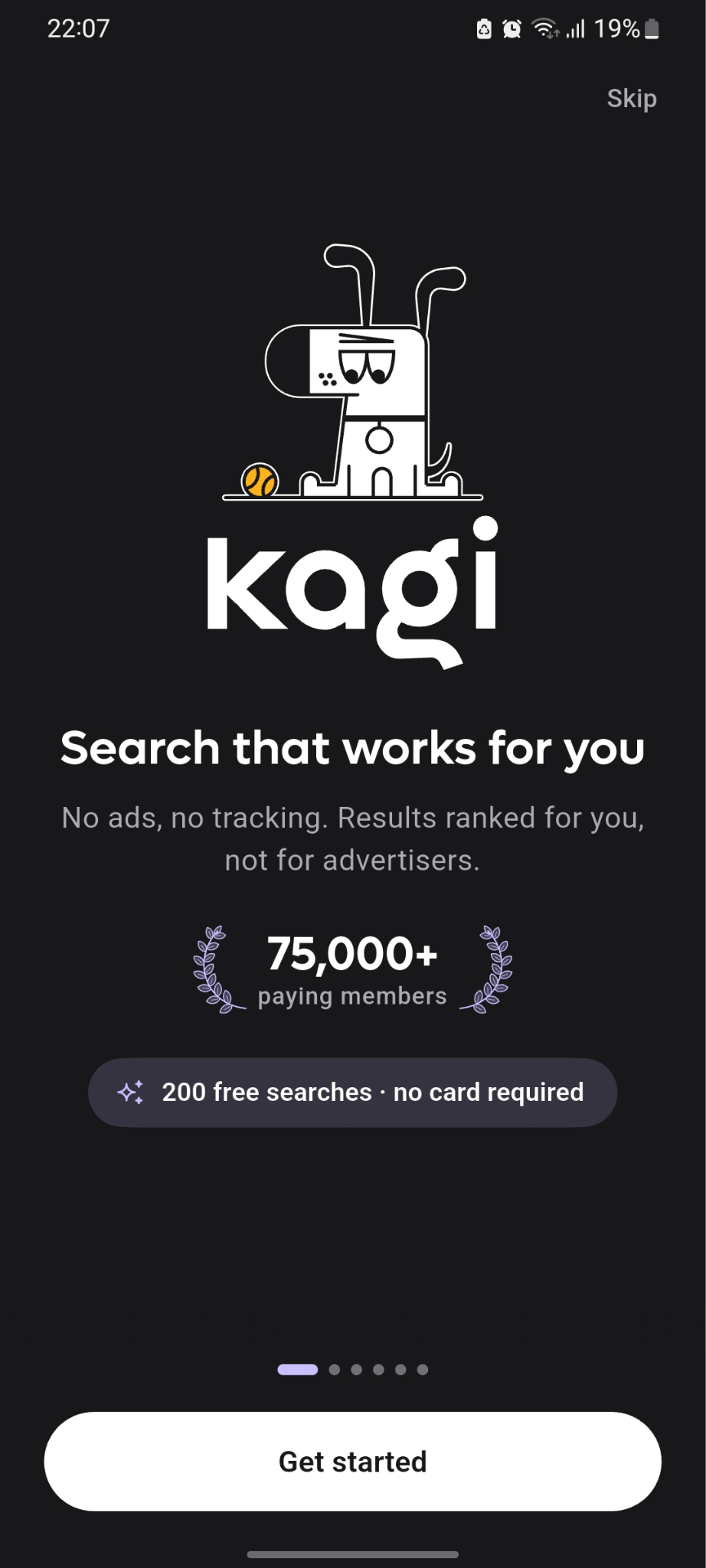
- Added a short tour on first launch that shows what Kagi can do, from bangs and lenses to ranking sites and voice search
- Redesigned the home screen, which now shows how many free searches you have left when you're trying Kagi without an account
- The search bar, logo and tabs on results pages are now native, and tuck away as you scroll
- Rebuilt voice search with its own screen and a new animation
- Choose the language for voice search
- Added a voice search tile to Quick Settings
- Add home screen widgets and the Quick Settings tile straight from Settings > Home Screen Widgets
- Added a Default Search Setup guide for making Kagi the search engine in your browser
- Paste an image into the search field to search by image
- Added a Quick Answer button next to search suggestions
- Assistant and Summarize now open in the app with a close button and a menu to reload, copy the link, or open in your browser
- Bang searches now follow the Result Opening setting
- Fixed Privacy Pass searches showing a blank page after a token key rotation
Other improvements and bug fixes
- If you want to hide the Quick Answer results, just click the Quick Answer button again and get all the space back on the page
- Image-search fails quietly on quotes in search term, and results worse than Google without them #11692 @jducoeur
- Add staan.ai as source #7926 @Algie
- Use and collaborate with openwebindex.eu and staan project #10259 @FreeTheIndex
- Kagi Specials link fails in HTML mode #11748 @larke12
- Kagi Quick Answer broken when accessing kagi from the .onion #11754 @roblabla
- HTML source code full of whitespace #11772 @tuesday
- Keyboard shortcut o does the wrong thing and is not documented #10202 @svenssonaxel
- Search results can cause browser navigation and other HTML processing #11791 @decade6331
- Custom bang settings overwritten when bang is moved in the More menu #10428 @tillulen
- Custom bangs with identical names are deleted after accessing them via Search Options > More > Customize #10429 @tillulen
- Search query lost after logging in from a private/incognito window #11684 @ddvp7548db
- Wikipedia widget fails for article links containing URL-encoded characters #10400 @sapphyrus
- Japanese punctuation in !bangs doesn't work #7930 @sbrl
- Bing returning irrelevant Reddit results #11707 @Catastrophe
- Unrelated site appeared at top of search results using
site:operator #10387 @jon-chrt - Results don't align with region (Québec subjects don't show up when set in region "Canada") #2915 @fmg
- Video search has poor date/time filters #8702 @NightmareNightmareNightmare
- Early Adopter flag disappears when joining a family #9448 @VIEWVIEWVIEW
- Add search results timer and uniqueness % to image/video/news/podcast results #10396 @dreifach
- Make Kagi widgets works on all languages. #10492 @WB0iTF
- Disable Kagi Knowledge #11210 @Truism
- 100 searches trial gate query flows out of box #11780 @Numerlor
- 100 searches trial gate shows urlencoded query if session token in url #11774 @Numerlor
- Quick Answer tables are cut off on iOS and can't be scrolled sideways #11802 @BigLinus67
- 'bang emoji' does not show emoji widget (💥) #11407 @MustafaD
- Alberta time incorrect #11801 @mch
- Superfluous [space] in web search result links #11799 @dreifach
Note: we added a small banner to warn you if your browser logs you out by mistake. This ensures you know when you've landed on our new explore flow (Kagi's discovery version), which offers a degraded experience compared to your paid plan.